| Red Hat Documentation |
 |
Chapter 3. You Are Here
Let's say you want to buy a pair of sneakers at a nearby shopping mall. You may not be familiar with the mall, but that shouldn't be a problem. Why not? Because of the maps, which you can usually find near all the major entrances to the mall. The same can be said for your Red Hat Linux system: Navigation's easy once you know where you're going.
Finding Yourself with pwdSooner or later (probably sooner), when you start looking through directories, you're bound to ask, "Where the heck am I?" And you won't be speaking philosophically. DOS can answer that question just by showing you at the prompt like:
But Bash, the shell for your Linux system shows, by default, just shows your current directory. Try this: open an Xterm window. You'll see something like:
Now type:
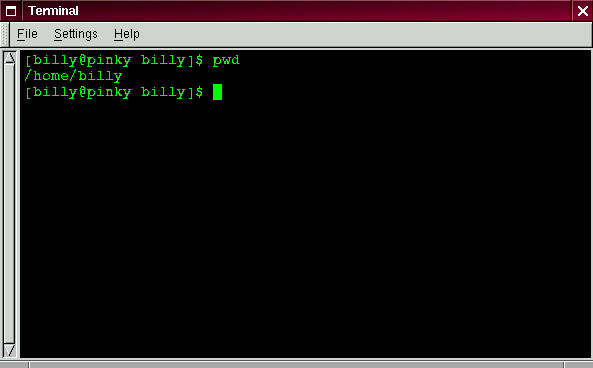
What do you see? Something like
The command pwd stands for print working directory. When you typed pwd, you were asking your Linux system, "where am I?" Your system responded by "printing" the directory you're in to the monitor -- also known as the standard output. Seems easy, right? It ought to be; you'll be using pwd plenty as you look around. (Even Linux gurus can depend on this little command.) |
|