| Red Hat Documentation |
 |
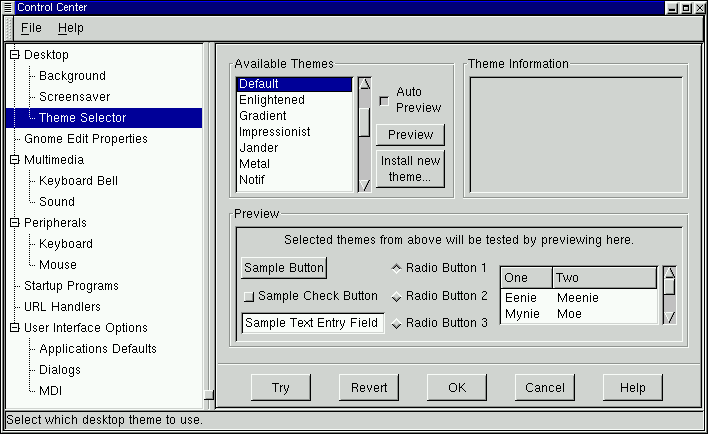
Chapter 17. The GNOME Control CenterIntroductionThe GNOME Control Center allows you to configure various parts of your system using a collection of tools called "capplets". These capplets may be associated with the core set of GNOME applications or other applications for which the developers have written capplets. Your Control Center may contain more capplets than are documented here depending on the applications installed on your system. The Control Center is divided into two main sections, the menu of configurable capplets and the main work space. Working with the Control Center simply requires you to select a capplet from the menu on the left and double click on it. Once this is done, the workspace will change, allowing you to configure the item.
Figure 17-1. The GNOME Control Center
You may start the Control Center one of two ways. To launch the Control Center without any particular active capplet select the Control Center menu item from the Settings submenu in the Main Menu. If you know which capplet you would like to edit you may start that capplet by selecting the correct menu item in the Control Center menu. |
|