| Red Hat Documentation |
 |
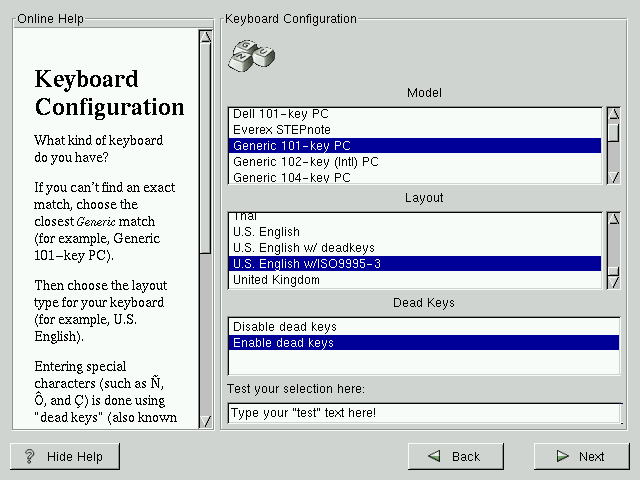
Keyboard ConfigurationChoose the model that best fits your system (see Figure 5-2). If you cannot find an exact match, choose the best Generic match for your keyboard type (for example, Generic 101-key PC). Next, choose the correct layout type for your keyboard (for example, U.S. English). Creating special characters with multiple keystrokes (such as Ñ, Ô, and Ç) is done using "dead keys" (also known as compose key sequences). Dead keys are enabled by default. If you do not wish to use them, select Disable dead keys. To test your configuration, use the blank text field at the bottom of the screen to enter text.
|
|
||||||||||