| Red Hat Documentation |
 |
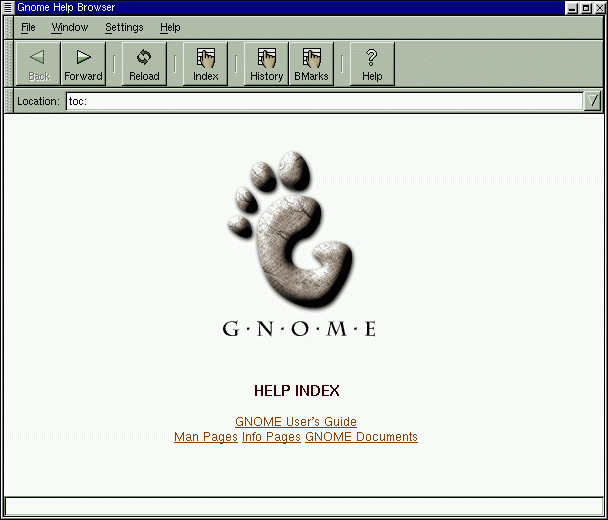
Finding HelpOne of the most useful utilities for the GNOME user can be GNOME Help Browser (see Figure 1-6). In fact, since this application displays not only GNOME-related help but also info pages and man pages, the GNOME Help Browser can be an invaluable resource for learning about both GNOME and your Red Hat Linux system. (Info pages and man pages are concise help documents which are usually installed on a Linux user's system. To learn more about these documents, read on to Chapter 2.)
You can open the GNOME Help Browser by double-clicking on its launcher on the desktop or from the Panel by dragging your cursor to the item Help System from the Main Menu Button. You can learn more about the Help Browser in the GNOME User's Guide later in this book. Now, turn to Chapter 2, to learn more about your new Red Hat Linux system, and which important first steps you should take. |
|
||||||