  |
|
 |
|
|
|
| Red Hat Documentation |
|
From Console ModeWhen you were installing Red Hat Linux 6.1, you were given the option of starting from a graphical or console (that is, non-graphical) screen. If you chose not to automatically start your computer in a graphical environment, you'll find a somewhat daunting, almost blank screen which will show you something like
You can log in by typing root at the Login: prompt. Then, when Password: appears, type the password you chose at the time you installed Red Hat Linux 6.1.
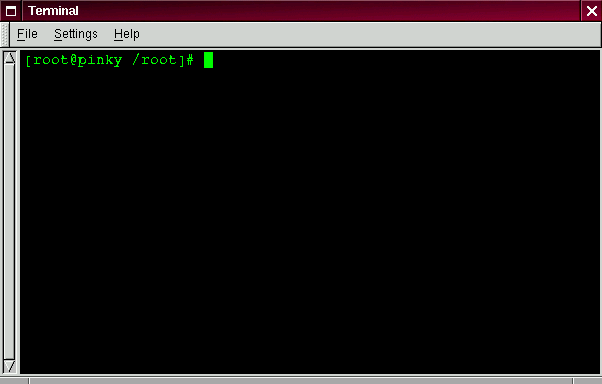
Now, you'll find a single shell prompt, which will appear similar to:
This tells you that you're logged in as root and in the directory called root (as shown in Figure 2-6). You can exit at any time simply by typing logout or exit.
| ||||||||
|
|
||
|
|||
|
powered by Google | |
|
 |
Products & Services | Download | Support | Training | Partners & Programs About Red Hat | Legal statement | Privacy statement | Y2K statement redhat.com
© 2000 Red Hat, Inc. All right reserved. |