Download
 Online Shop
 Red Hat Network
|
|
|
Download
Online Shop
Red Hat Network
|
|
|
||
|
||
|
|
| Red Hat Documentation |
 |
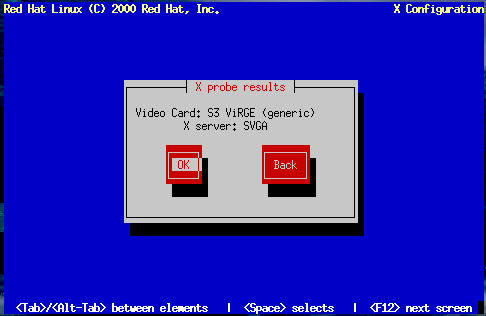
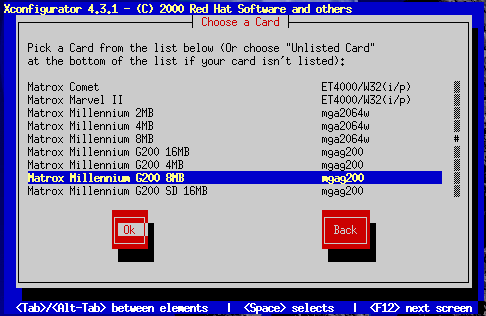
Configuring Your Video AdapterThe installation program then probes for your video card. If your card is detected, click OK to continue. If the installation program cannot detect your video adapter, you'll see Figure 14-38. In this case, select your video card from the list using the arrow keys and Space. | ||||||
|
|
|
|
|