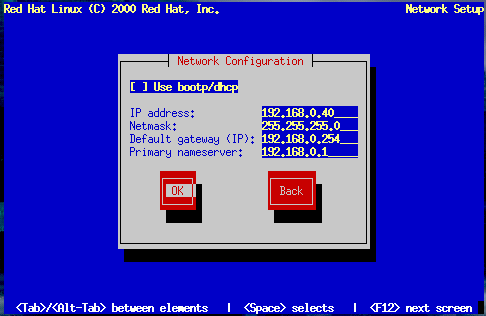
If you are installing from CD-ROM and have a network card in place, you can now
configure your networking information.
You have two choices in this dialog (see Figure 6-10):
Select Use bootp/dhcp. In this case, an
existing server on your LAN dynamically supplies network-related
information needed to add this system to the network at
connect-time. (Note that if you do this, the remaining fields in
this dialog will be disabled, as DHCP and BOOTP essentially "fill in
the blanks" for you.)
Enter static network information in the fields provided. In this
case, the network information you supply is assigned to this system.



 Download