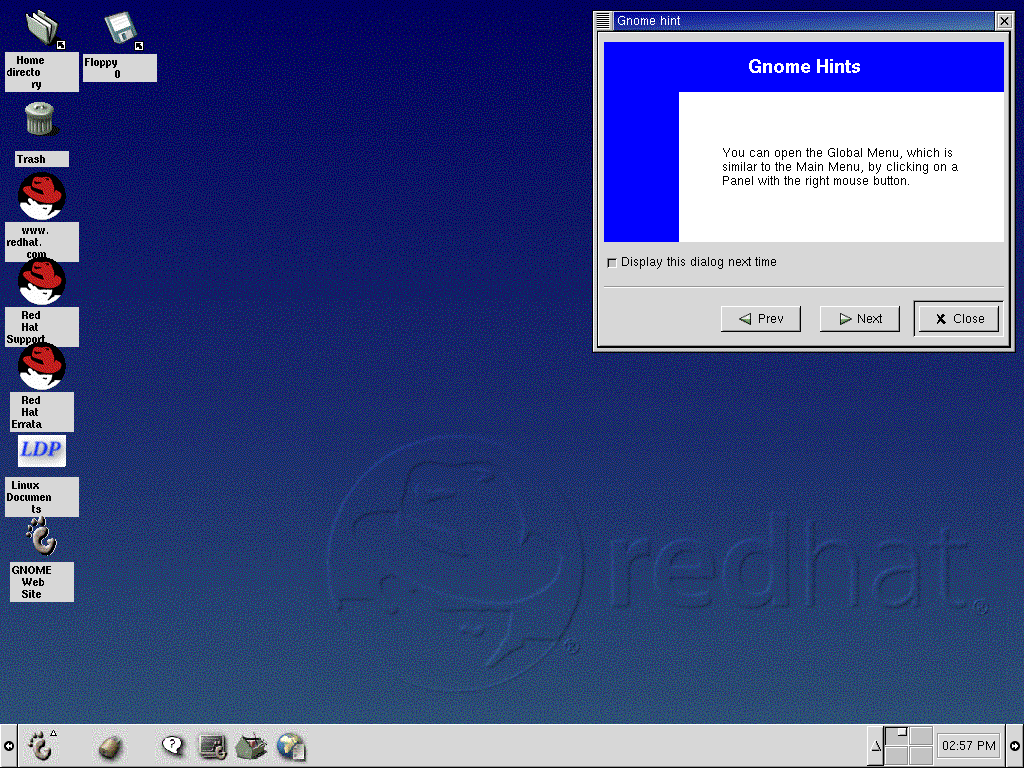
Your first view of GNOME will look something like Figure 2-1.
The desktop, which is also sometimes referred to as the
workspace, is the area on which you run your
applications and perform all your work. On your desktop are
launchers and
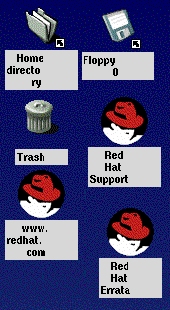
folders (see Figure 2-2, for example).
Launchers -- Icons which appear on the desktop. Click on the icon to
start the application it's associated with. For example, clicking
on a Netscape Navigator icon will
launch the browser.
Folders -- Containing contents of directories, launchers to
documentation or applications.
The folder Home directory -- Leads to your
specific directory in /home on the system (for
example, if your login directory was newuser,
the Home directory folder on the desktop
would lead to your login directory,
/home/newuser) See Figure 2-3.
Double-click on a launcher to start the associated file (see Figure 2-2). If it's an application, it
will start; if it's data, that data will be displayed in its associated
program (a spreadsheet, for example, will open in
Gnumeric).
Launchers can also be shortcuts to websites. By double-clicking on the
launcher labeled Red Hat Support on your desktop,
for example, your Netscape Navigator browser
will open and go to Red Hat's online support site.



 Download