| Red Hat Documentation |
 |
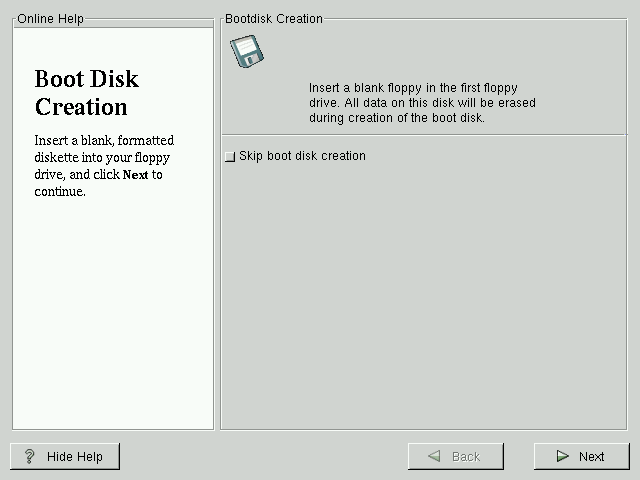
SPARC: Boot Disk CreationIf you chose to to create a boot disk, you should now insert a blank, formatted disk into your floppy drive (see Figure 6-22). Note that SMCC manufactured UltraSPARCs do not support booting from a floppy, so you can't make a boot floppy for a SMCC UltraSPARC. After a short delay, your boot disk will be created; remove it from your floppy drive and label it clearly. Note that if you would like to create a boot disk after the installation, you'll be able to do so. For more information, please see the mkbootdisk man page, by typing man mkbootdisk at the shell prompt. If you boot your system with the boot disk, make sure you create a new boot disk if you make any changes to your kernel. |
|
||||||