| Red Hat Documentation |
 |
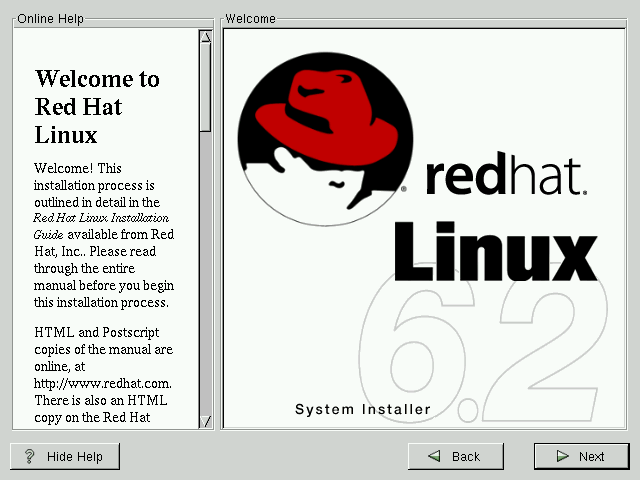
Welcome to Red Hat LinuxThe "Welcome" screen (see Figure 3-4) does not prompt you for any installation input. Please read over the help text in the left panel for additional instructions and information on where to register your Official Red Hat Linux product. Please notice the Hide Help button at the bottom left corner of the screen. The help screen is open by default, but if you do not want to view the help information, click on the Hide Help to minimize the screen. Click on the Next button to continue. |
|
||||||